07
Useful Tools & Utilities v3 Is Here
Today marks the release of Version 3 of Useful Tools & Utilities, and this update is heavily focused on expanding the platform’s media editing and conversion capabilities.
Today marks the release of Version 3 of Useful Tools & Utilities, and this update is heavily focused on expanding the platform’s media editing and conversion capabilities. Whether you need to convert, compress, trim, merge, or enhance media files directly in your browser, v3 introduces a large collection of fast and easy-to-use tools designed for creators, developers, marketers, students, and everyday users.
All New Media Tools Included in Version 3
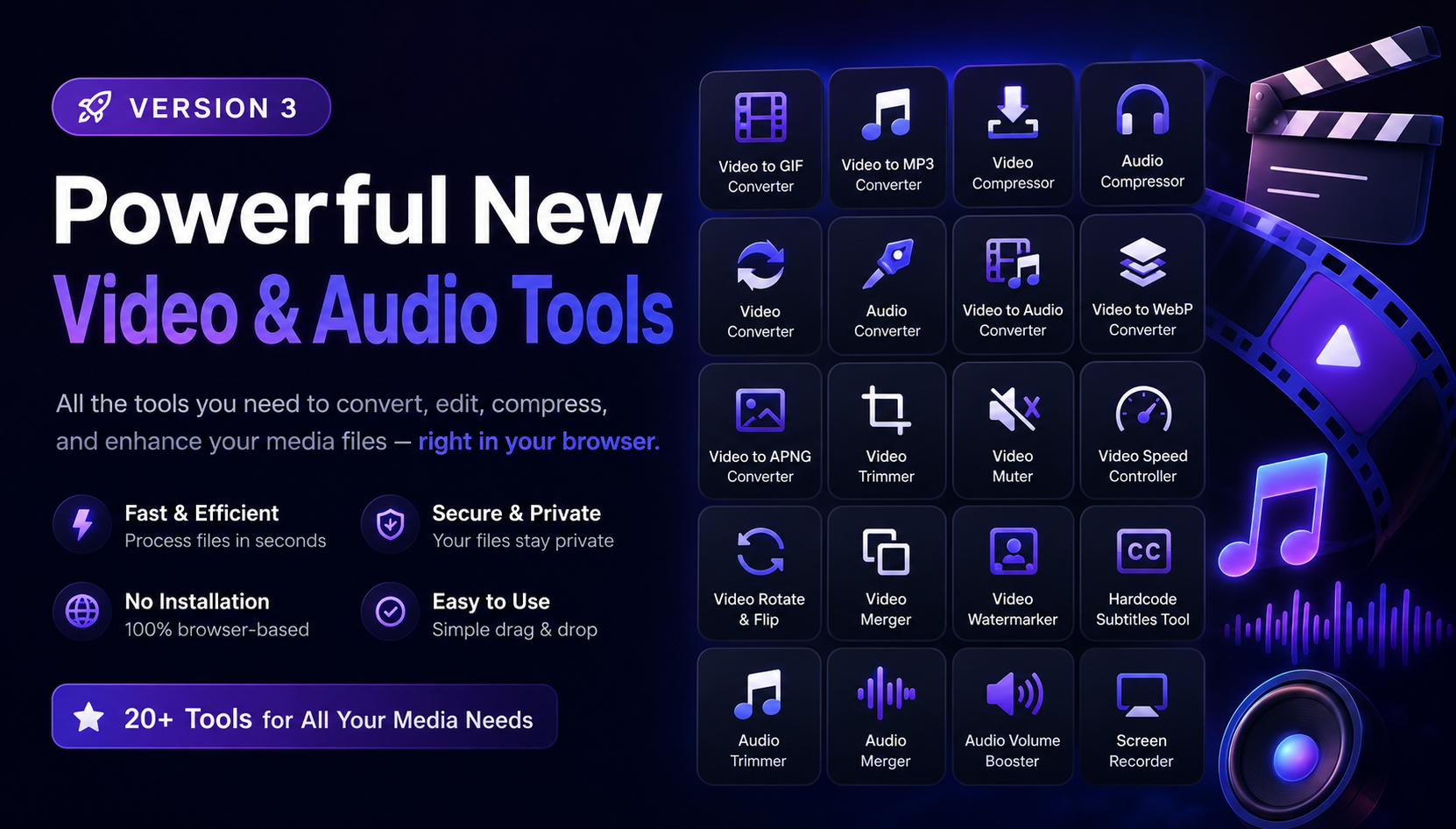
Version 3 adds a wide range of video tools and audio utilities to help simplify common editing workflows without requiring complicated software downloads.
Video Tools
The new video-focused utilities include:
- Video to GIF Converter
- Video to MP3 Converter
- Video Compressor
- Video Converter
- Video to Audio Converter
- Video to WebP Converter
- Video to APNG Converter
- Video Trimmer
- Video Muter
- Video Speed Controller
- Video Rotate & Flip
- Video Merger
- Video Watermarker
- Hardcode Subtitles Tool
These tools make it easier to:
- Convert videos between formats
- Extract audio from video files
- Compress videos without major quality loss
- Trim and merge clips
- Add subtitles and watermarks
- Create GIFs and animated WebP files
- Control playback speed
- Remove audio tracks instantly
New Audio Utilities
The update also introduces several dedicated audio tools, including:
- Audio Compressor
- Audio Converter
- Audio Trimmer
- Audio Merger
- Audio Volume Booster
These utilities are designed to help users quickly optimize, edit, and enhance audio files directly in the browser.
Built for Speed and Simplicity
One of the primary goals of Useful Tools & Utilities v3 was to create a lightweight and accessible experience. The new media tools are designed with:
- Fast browser-based processing
- Simple drag-and-drop workflows
- Clean and responsive UI
- Support for popular media formats
- No complicated setup required
Whether you are editing content for social media, preparing files for websites, creating presentations, or optimizing media for storage, the new tools aim to make the process faster and more efficient.
Browser-Based Media Editing Made Easy
Modern creators increasingly rely on quick online utilities instead of installing heavy desktop software. With Version 3, Useful Tools & Utilities continues evolving into a practical all-in-one toolkit for everyday digital tasks.
From converting video to MP3, compressing large media files, boosting audio volume, trimming clips, or generating animated GIFs, the new update significantly expands what users can do directly online.
What’s Next?
Version 3 is only the beginning of a larger push toward more advanced media utilities and productivity tools. Additional improvements, format support, and new browser-based utilities are already planned for future updates.
Stay tuned for more updates as Useful Tools & Utilities continues growing into a complete toolbox for creators, developers, and everyday users.
Contact
Missing something?
Feel free to request missing tools or give some feedback using our contact form.
Contact Us